
Capture faster
Use a screenshot or scan when typing every row would slow you down.
Screenshots are often the fastest way to capture scattered holdings. PortiFi supports screenshot and scan-first workflows so you can review before saving.
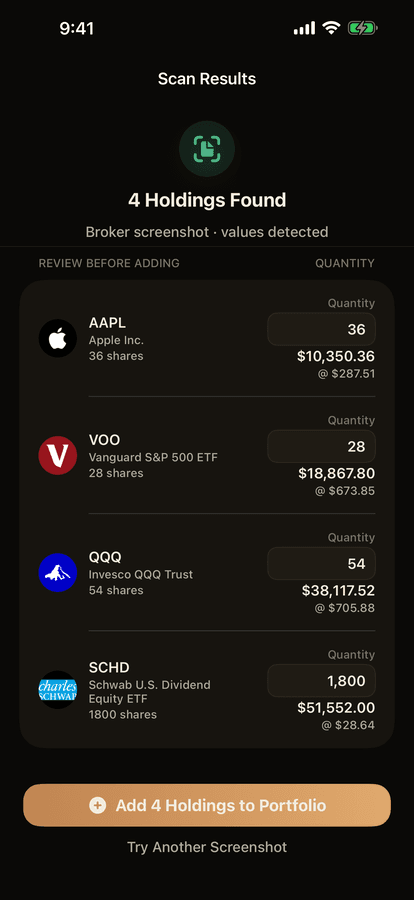
PortiFi helps you start from brokerage screenshots and real-world scans, then review the details before they become part of your private portfolio.
Use screenshots when the data is trapped in another app or statement.
Use a screenshot or scan when typing every row would slow you down.
Keep control of the holdings and values before saving them.
Move from raw holdings to a cleaner dashboard view.
Start without account linking or credential sharing.
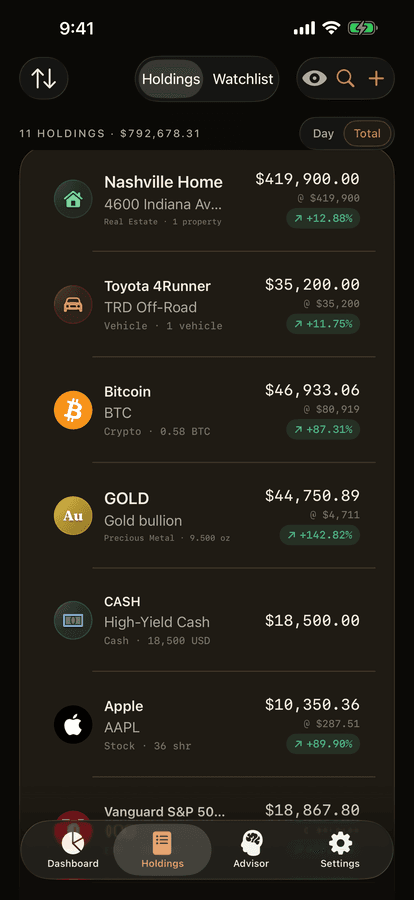
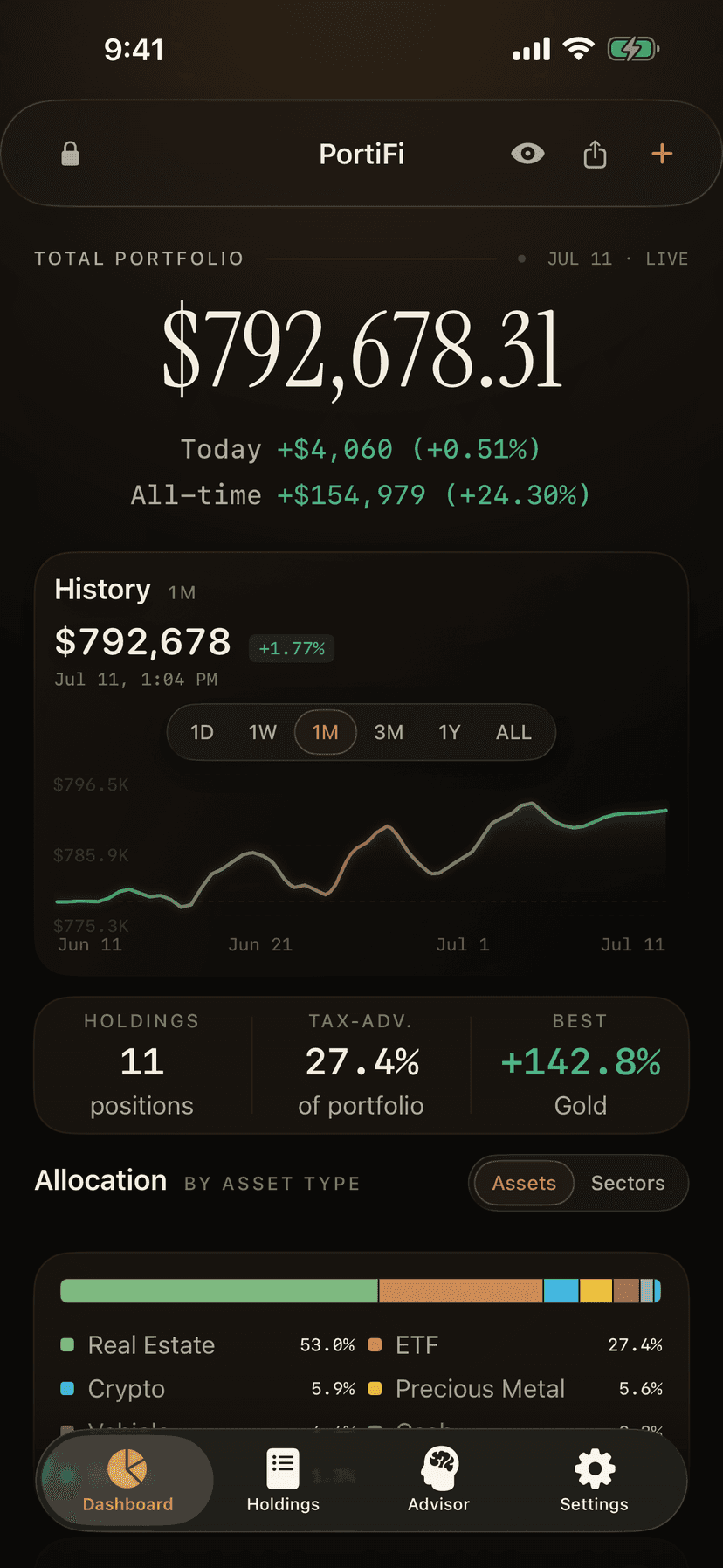
Capture the holdings, positions, statement, or asset you want represented.
Check symbols, values, names, and quantities before anything matters.
Keep the holding in context with your broader net worth.
PortiFi supports screenshot-oriented workflows so holdings can be captured and reviewed without connecting brokerage credentials.
The intended workflow is review-first: inspect the details before treating them as part of your portfolio.
No. PortiFi also uses scan-first positioning for real-world assets that normal portfolio tools ignore.
Start with the assets your current tracker misses.